BPM action Add Related Record not recognizing existing related module

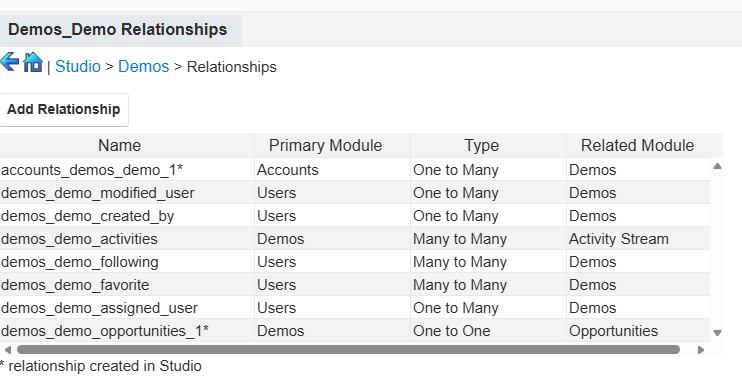
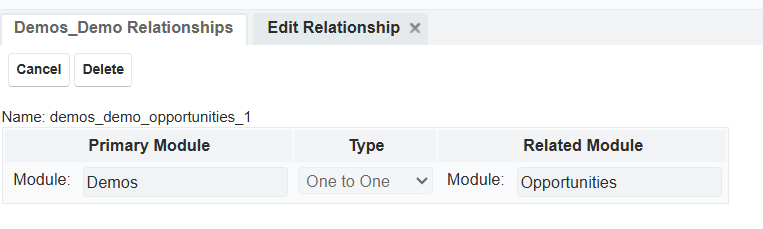
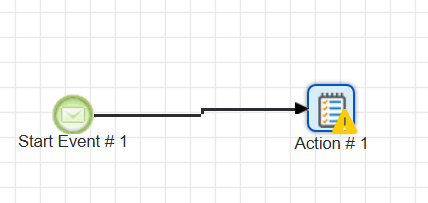
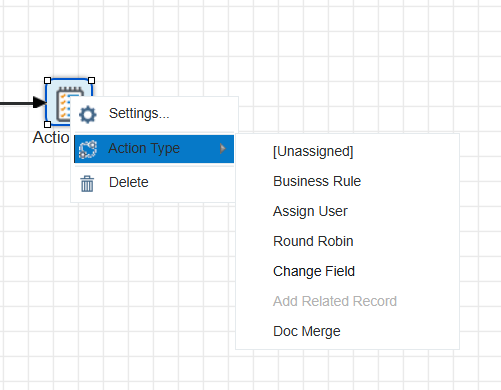
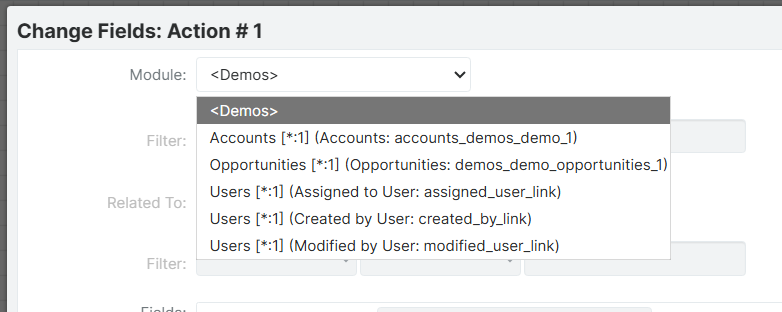
I'm trying to create a BPM process that automatically adds an Opportunity record whenever a Demo record is created with certain criteria.  I created a 1-to-1 relationship in Studio between Demos and Opportunities.  However, when I try to create my BPM action, the Action Type of Add Related Record is greyed out.  When I hover over it, it says there are no related modules.   I can see the Demo-Opportunity relationship I created in Studio.   I can't figure out why the BPM designer isn't recognizing it.  I've deleted the BPM module and started over, but still won't work.

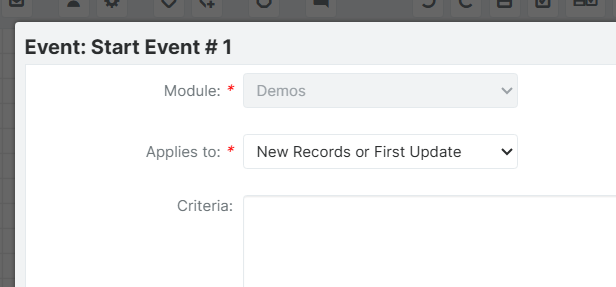
I'm running sugar enterprise 14.0.3 on-site.  The Target Module on my BPM process is Demos, and I can add the criteria on the start settings.  I just can't get the action type to work.

Parents Reply
  • Hi  ,

    I went back and tested this scenario from scratch with a new custom module with no module relationships initially defined.

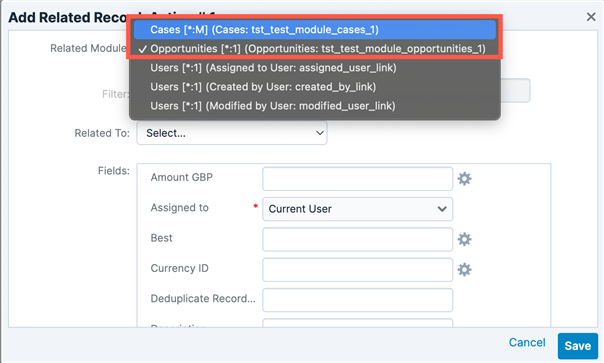
    I created a 1:1 relationship between the custom module and Opportunities, and I reproduced the issue you experienced in the process definition where I could not select the 'Add Related Record' action. I then created a many:many relationship to another module (Cases). After that relationship was created, I could select the 'Add Related Record' action and within the action, I could select either relationship I created:

    It looks like the bug may be that all relationships are exposed in this selection once the module has either a m:m or m:1 relationship. 

    I configured the action for the Opportunities relationship and it created the record as expected. As far as I can tell, the relationship creation works fine once it is exposed. 

    Chris

Children
No Data